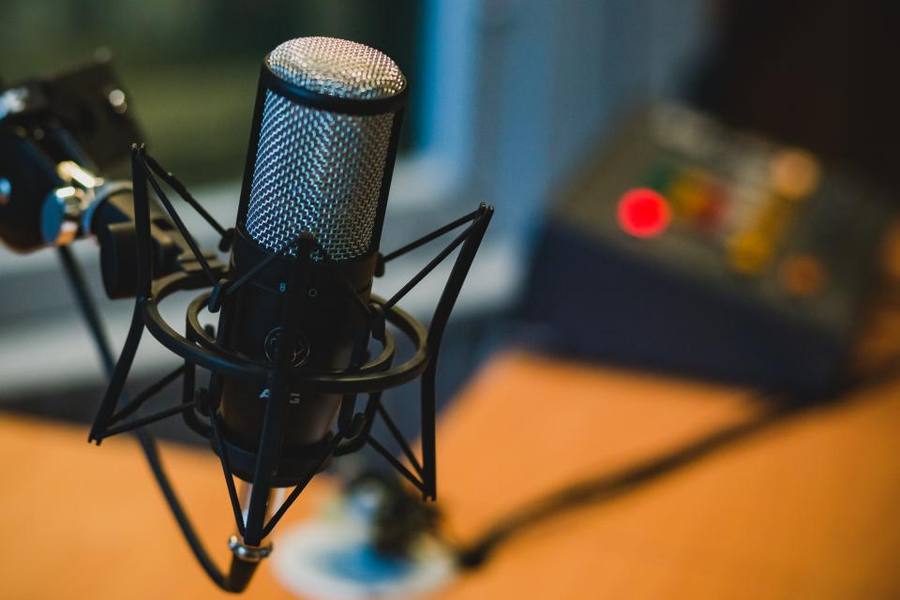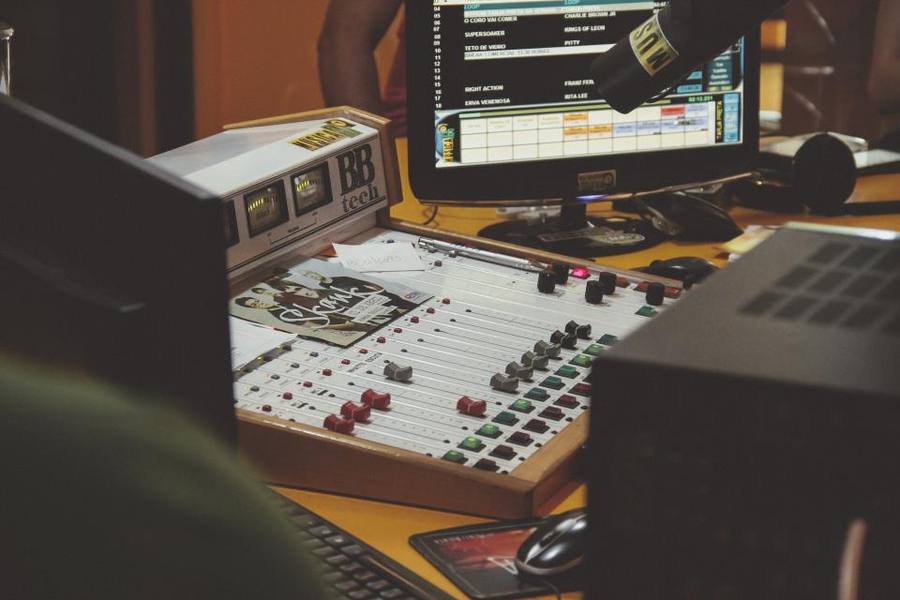
Image illustrative (photo de stock) ; ce n'est pas le produit exact.
What An Interface Provides
Computers have no XLR inputs, no phantom power, and built-in sound circuitry designed for playback rather than recording.
An interface supplies all three — professional microphone inputs, the power that condenser microphones require, and preamplifiers designed for the job.
That is what allows a proper microphone to be used with a computer at all, and it is the necessary component rather than an upgrade.
Latency And Direct Monitoring
Audio passing through a computer and back takes time, and hearing your own voice delayed by even a few tens of milliseconds while speaking is genuinely disorientating.
Direct monitoring routes the input straight to the headphone output in the interface hardware, bypassing the computer entirely, so you hear yourself with no delay.
For anybody recording their own voice — podcasting, voiceover, streaming — that feature is what makes the setup usable rather than merely functional.
Gain And Microphone Matching
Dynamic microphones output much less signal than condensers, and some popular broadcast dynamic microphones need considerably more gain than budget interfaces provide.
Running a cheap preamplifier at maximum gain introduces audible hiss, which is why certain microphone and interface combinations disappoint despite both being good products.
Checking the interface gain range against the microphone requirement before buying avoids a common and frustrating mismatch, and inline gain boosters exist as a remedy.
Inputs And Growth
A single input suits one voice. Two allows an in-person interview, a second microphone, or a microphone plus an instrument.
More inputs cost more and take more space, and two is the usual sensible choice since a second person is the commonest expansion.
Loopback is the other feature worth looking for if any of the work involves streaming or recording a call, because it routes computer playback back into the interface as an input. That lets you record a remote guest and your own microphone into one session, or capture music and commentary together, with no additional software routing at all. Interfaces without it can be made to work using virtual audio drivers, which is considerably more fiddly than a hardware switch.
Separate tracks per input matter — an interface that mixes both inputs into one track makes it impossible to fix one person's audio without affecting the other.
Power, Connection And Practicalities
Most are bus powered over USB, which is convenient and means laptop battery drain, and some larger ones need separate power.
Connection type matters for compatibility with modern machines, and adapters usually work while a native connection is more reliable.
Phantom power should be switched off before connecting or disconnecting microphones, since hot-plugging with phantom active can damage equipment.
Driver and software support is worth checking before buying, particularly for older interfaces, because an interface whose manufacturer has stopped issuing drivers can stop working entirely after an operating system update. Class-compliant devices, which work without any manufacturer driver at all, avoid that risk completely and are the safer long-term choice. It is the kind of consideration that never appears in a specification comparison and determines whether the device still works in five years.
The Verdict
The necessary piece for using professional microphones with a computer, with direct monitoring being the feature that makes voice recording comfortable.
Budget interfaces can lack gain for dynamic microphones, bus power drains laptop batteries, and single-track interfaces prevent fixing one voice independently.
Check the gain range against your microphone. A broadcast dynamic on an underpowered interface produces hiss, and both products are fine individually.
En un coup d'œil
Avantages
- Supplies XLR inputs and phantom power computers lack
- Direct monitoring removes the delay when hearing yourself
- Proper preamplifiers designed for recording
- Separate tracks per input allow independent correction
Inconvénients
- Budget models lack gain for some dynamic microphones
- Bus power drains laptop batteries
- More inputs cost considerably more
- Phantom power must be off when connecting microphones
Questions fréquemment posées
Why not plug a microphone into the computer?
Computers have no XLR inputs, no phantom power for condenser microphones, and sound circuitry designed for playback. An interface supplies all three, which is what lets a proper microphone be used at all.
What is direct monitoring?
Routing the input straight to the headphone output in hardware, bypassing the computer, so you hear yourself with no delay. Hearing your own voice delayed by tens of milliseconds while speaking is genuinely disorientating.
Why does my microphone sound quiet and hissy?
Probably a gain mismatch. Dynamic microphones output far less than condensers, and some broadcast dynamics need more gain than budget interfaces provide. Running a cheap preamp at maximum introduces hiss, and inline gain boosters are the remedy.
Spécifications
| Type | USB audio interface |
| Provides | XLR inputs, phantom power, preamplifiers |
| Key feature | Direct hardware monitoring |
| Gain | Check against dynamic microphone needs |
| Inputs | Two is the usual sensible choice |
| Tracks | Separate per input, not mixed |
| Power | Usually bus powered over USB |
| Safety | Phantom off before connecting |
Résumé
The necessary box for real microphones on a computer, and direct monitoring makes it comfortable. Check gain against your microphone.
Vérifier le prix sur Amazon